Home Screen Notifications
Home Screen Notifications (formerly known as Banner Images) are messages that are displayed on the home page for the mobile app. They can be configured at /admin/bannerimage.
Home Screen Notification Admin Page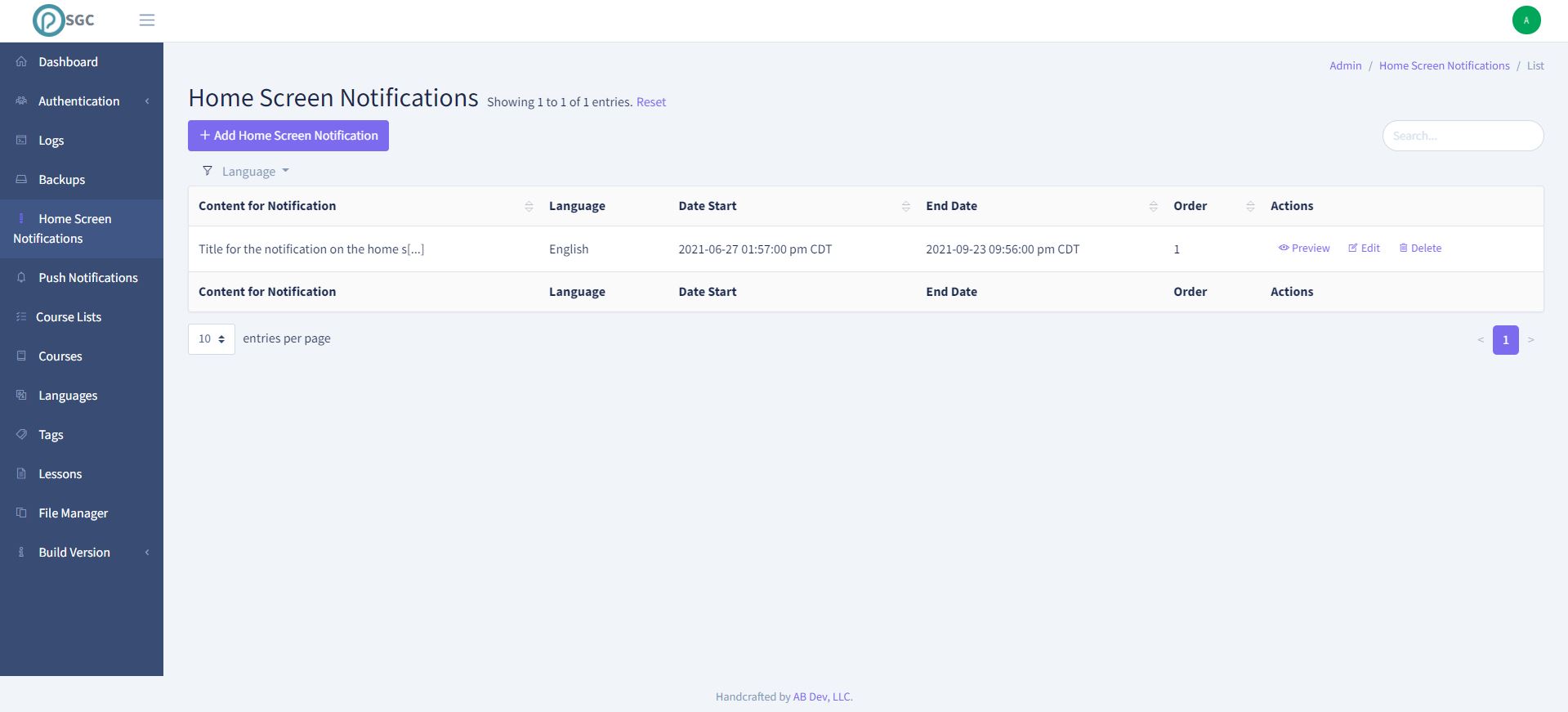
Example Notification in the App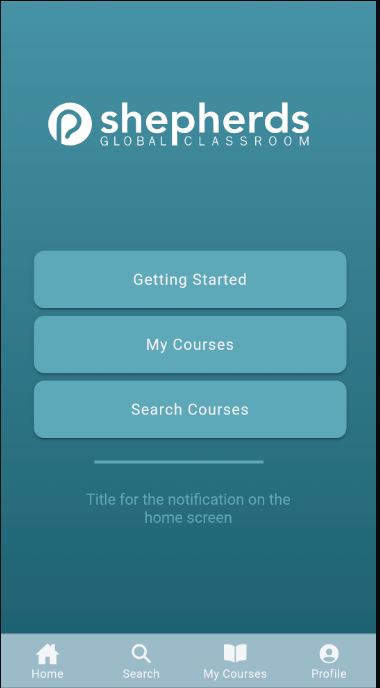
A Home Screen Notification contains:
Language
Mobile apps in these languages will see this notification in the mobile app
Content
The text that will be displayed in the notification
Date Begin
This Datetime sets when the notification will begin being displayed. The mobile app checks for new home screen notifications every time the home page is navigated to.
Note: This is your local time zone
Date End
This Datetime sets when the notification will stop being displayed. The mobile app checks for new home screen notifications every time the home page is navigated to.
Note: This is your local time zone
Action
If you want anything to happen with the notification when it is tapped, then set this to internal or external link. Leaving it blank means it will be purely informational.
Internal Link
This will be a link to a page inside of the mobile app.
External Link
This will be a link to a page outside of the mobile app.
URL
This is where the user will be directed to when they tap on the notification. This value can be left empty if you want the notification to purely inform and not have any action. The values it can contain depends on whether you have selected an internal or external link
If you selected Internal Link then the notification navigate to a page inside of the mobile app.
By default the value should be set to /tabs/home. That means that when you tab on the notification it will open the mobile app and take you to the main page.
If you would like to do other more complex things such as navigating to a specific course etc then please contact me for more info.
If you selected External Link then this can be any fully qualified domain name such as https://shepherdsglobal.org OR it can be a href link such as mailto:info@shepherdsglobal.org. The first will open an external web browser to the url and the latter will open their email client to send an email to that address.
Order
It is possible to have multiple notifications. If this is the case then they will automatically scroll between them. The order value that you set, will determine what order they are displayed in the mobile app.