Profile
There may be times where you need to update your timezone or your password. Navigating to the My Account page will allow you to do that.
Accessing My Account
In order to access your profile page and update your account info, click on your account image in the top right corner of the page or navigate directly /admin/edit-account-info. A dropdown will be displayed where you can access your account.
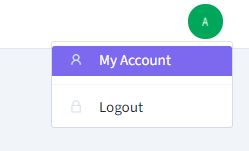
Accessing My Account
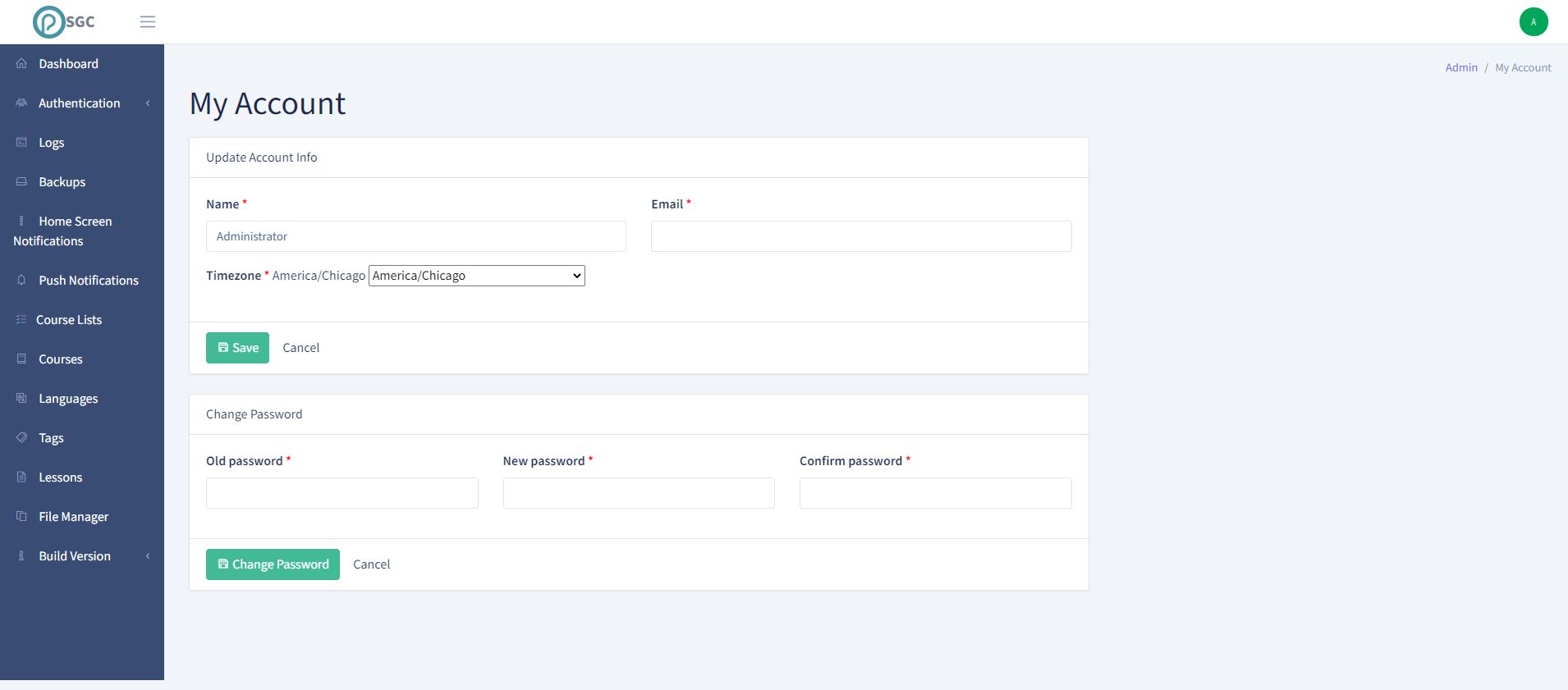
My Account Page
Updating Info
Simply follow the directions and modify your name/email/timezone/password.
Additional Info
The timezone you set will be used to display various dates and times in your local time. If this is not set then times will be displayed in UTC/GMT+0